~20 sec / photoDeclutter, empty or furnish in one toolEvery room,
Every room,
staged in seconds.
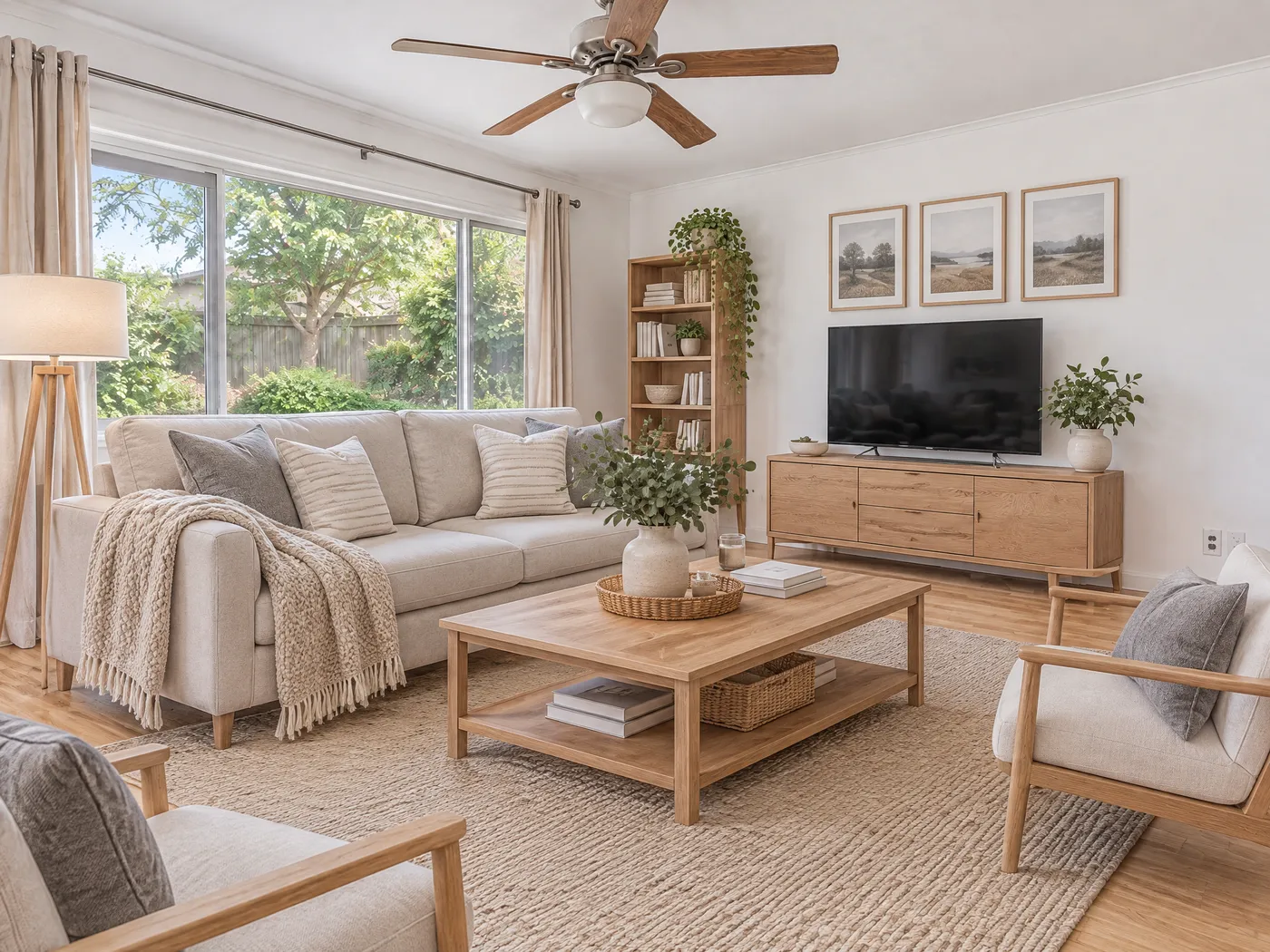
AI virtual staging for listings, rentals and property photos. Declutter, empty or furnish any room. Walls, windows and floors stay exactly as photographed.
No card · MLS-ready label · Free re-rolls
dining-room.jpg
Re-roll · freeTry your photo
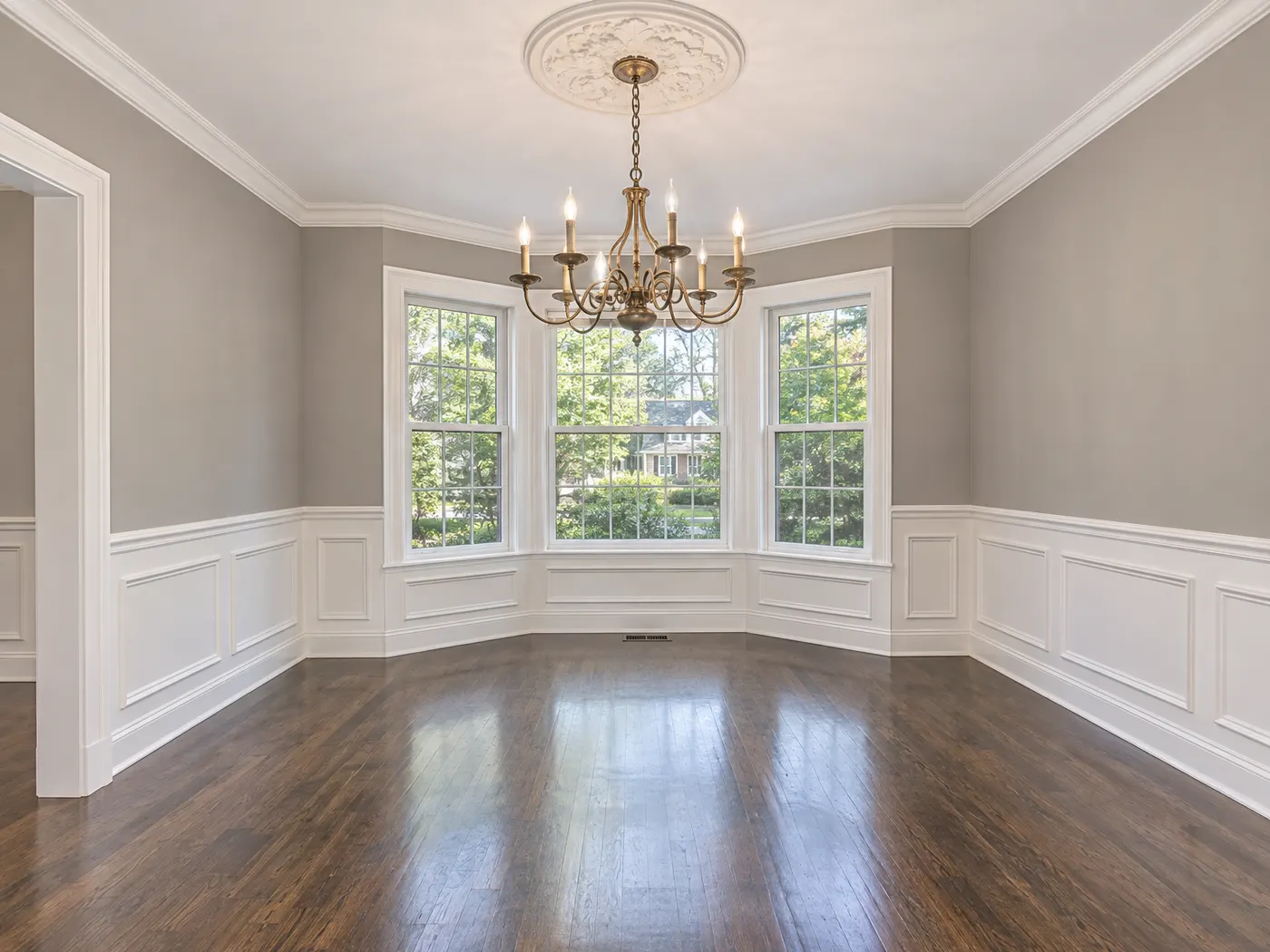
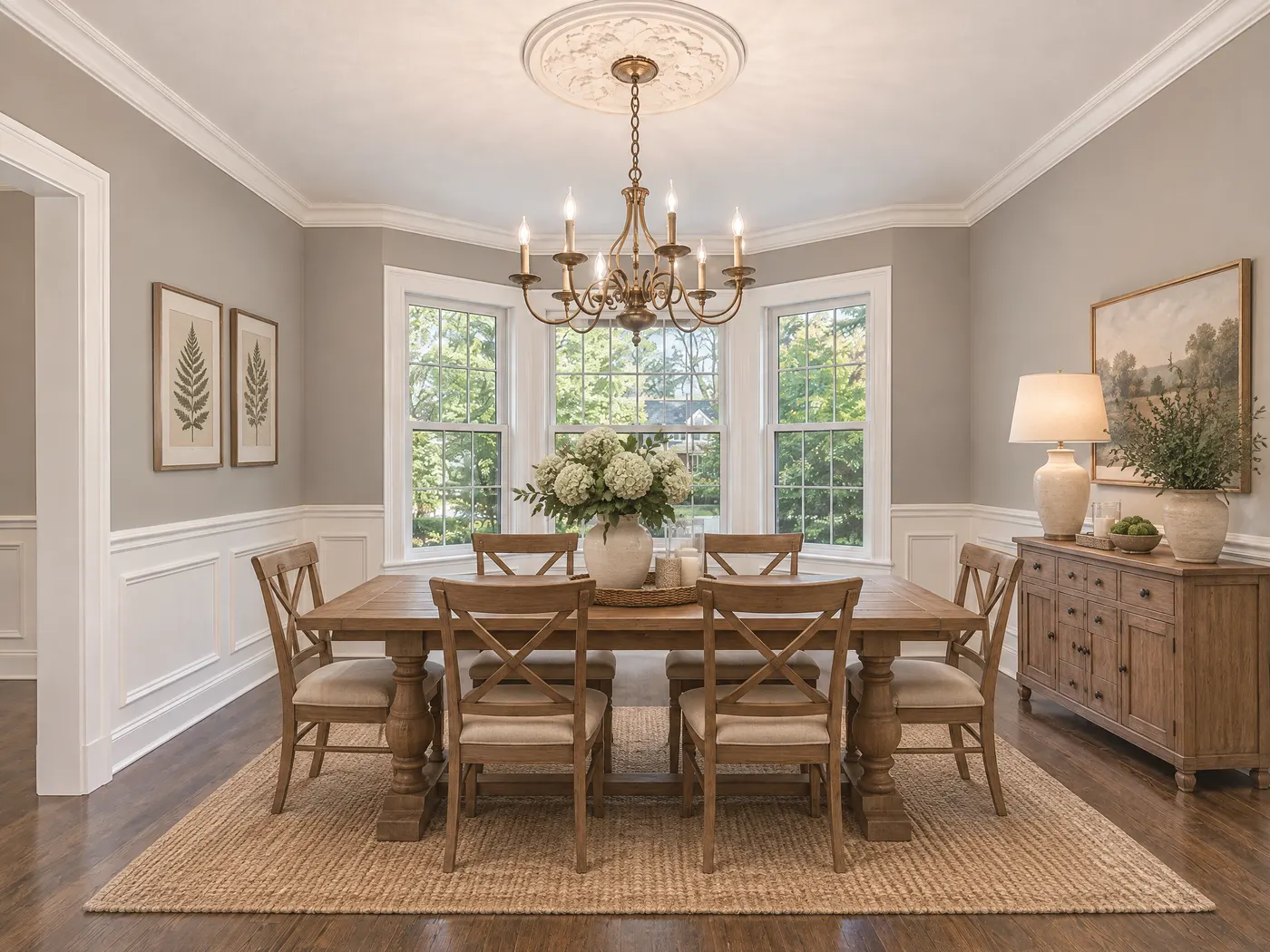 BEFOREAFTERVirtually staged
- Room
- Dining room
- Job
- Furnish
- Style
- Farmhouse
- Kept
- Walls, windows, floor
- Per photo
- ~20 sec
- Per photo on Pro
- $0.39
- Styles
- 6
- Walls moved
- 0
Every room
Real rooms. Untouched walls.
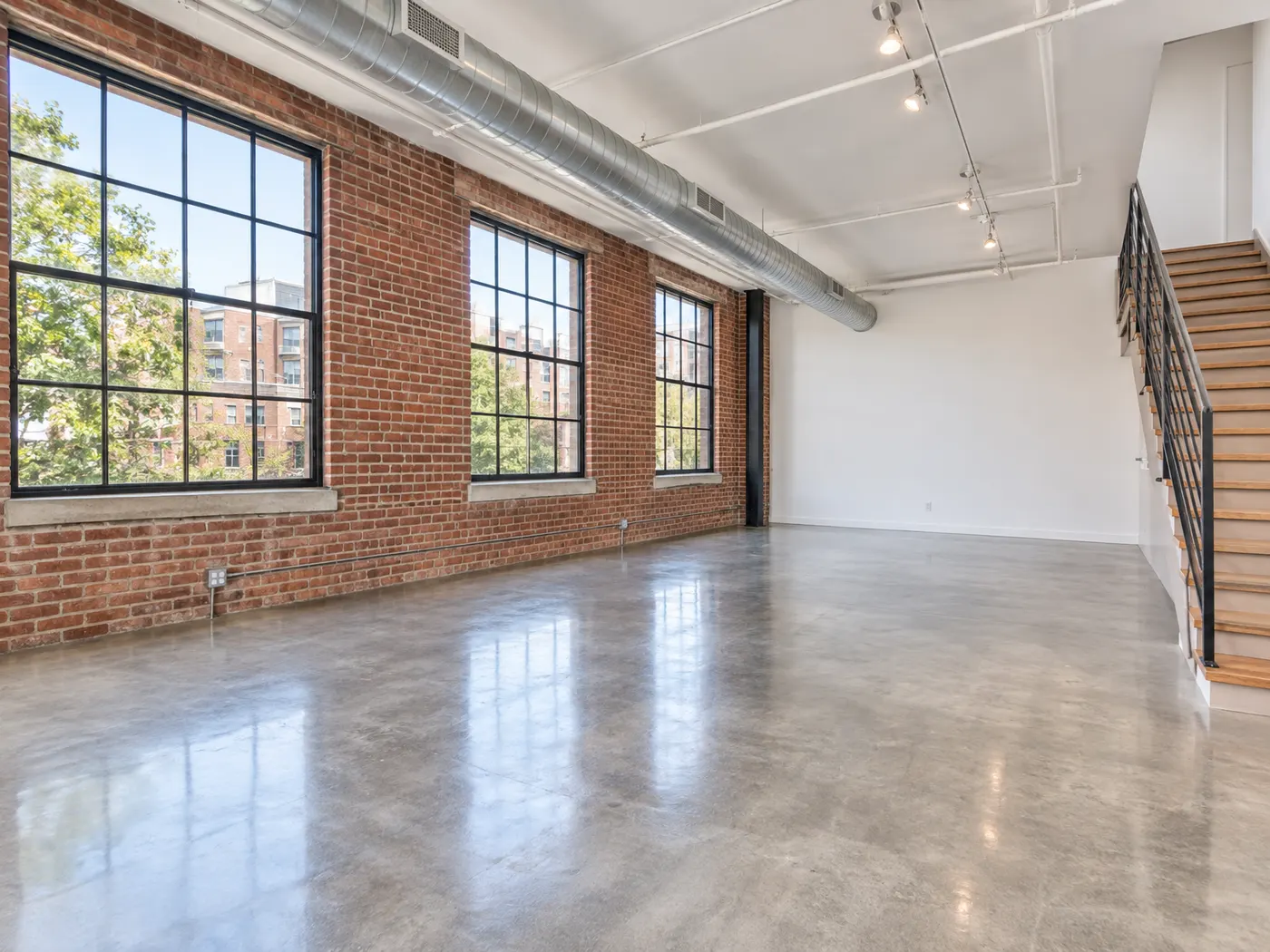
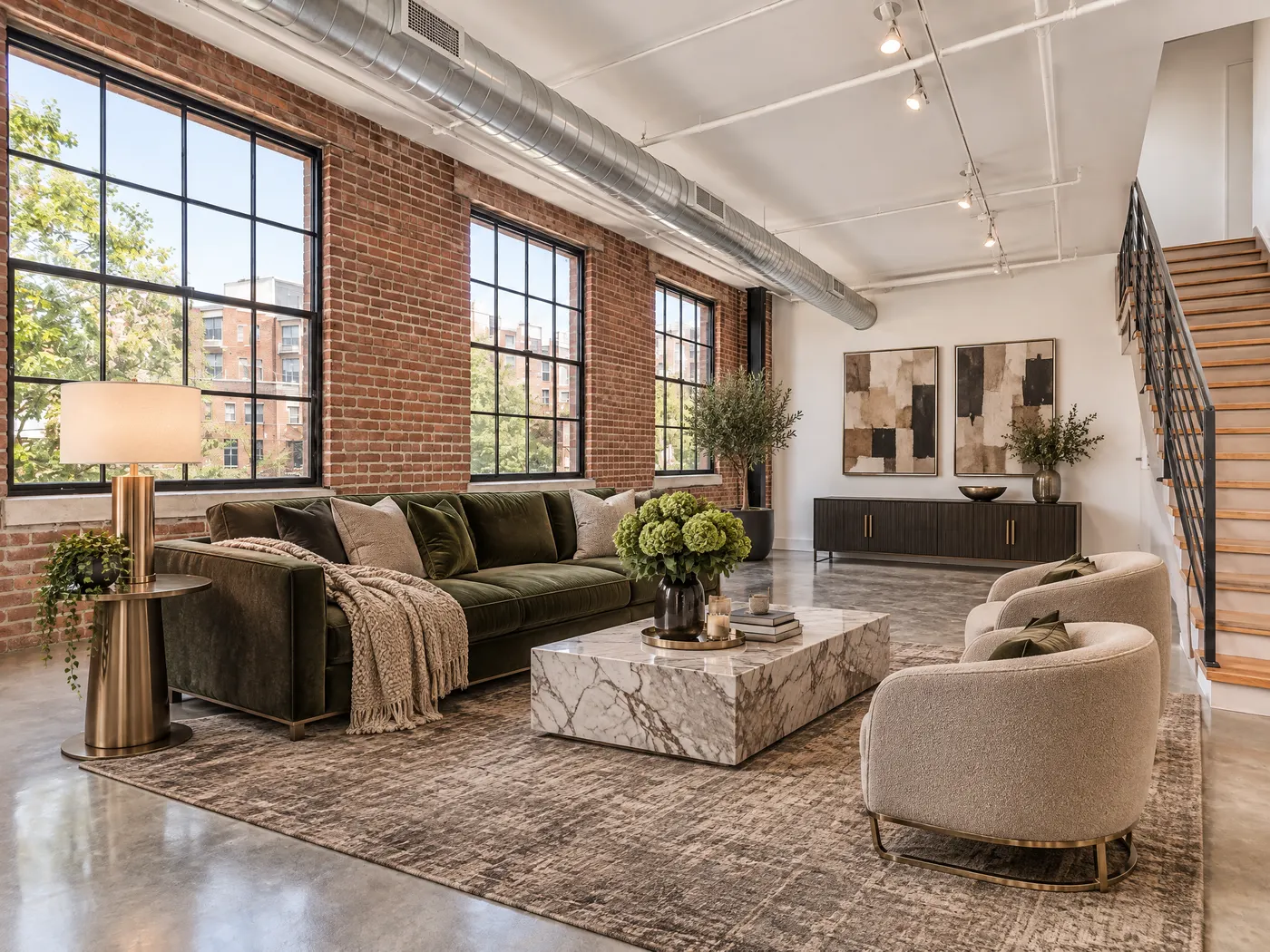
Tap any photo to see the room before staging. Sample listing photos, staged with the same settings you get in the app.
Three jobs, one upload
Pick the job each photo needs.
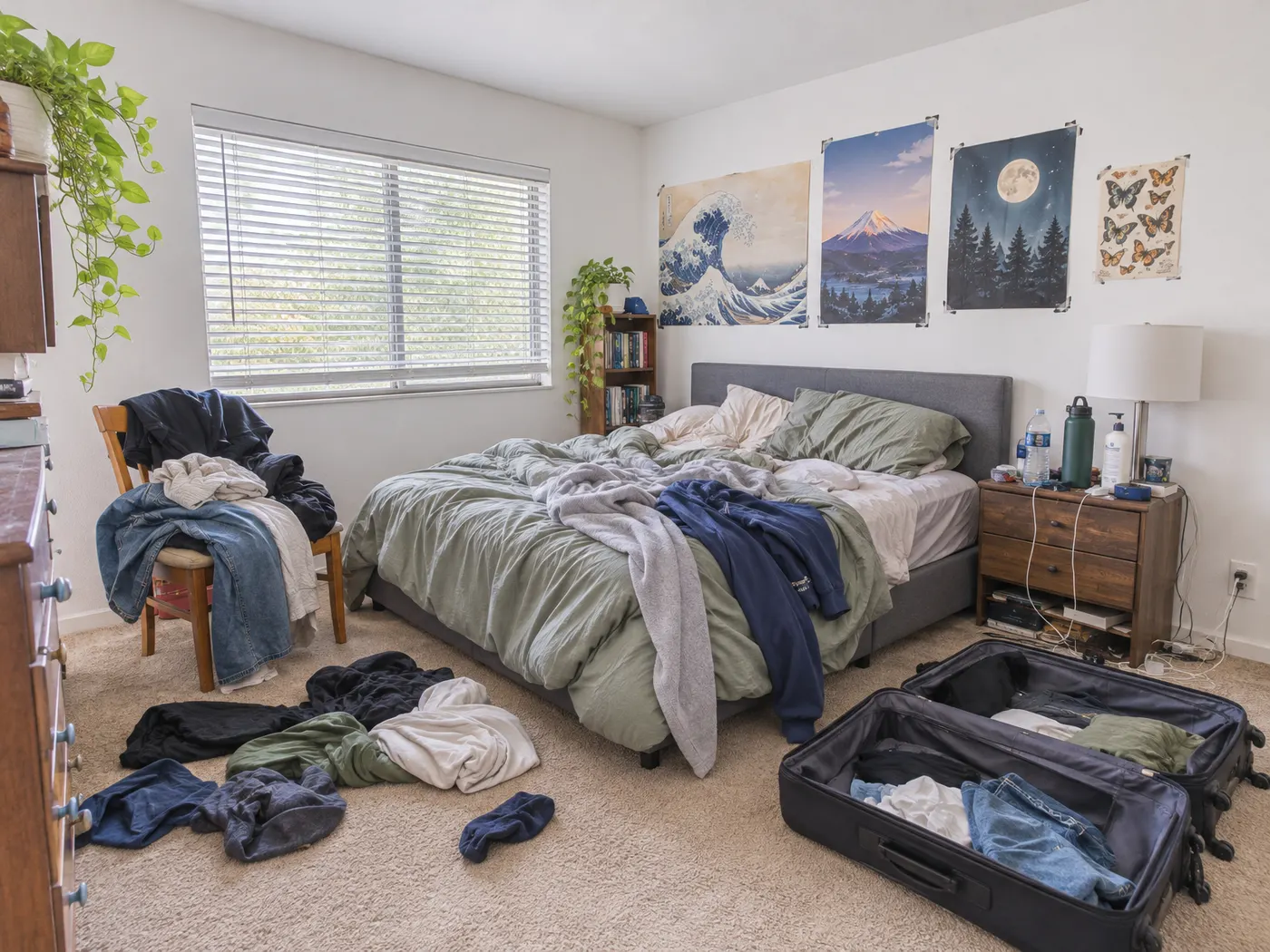
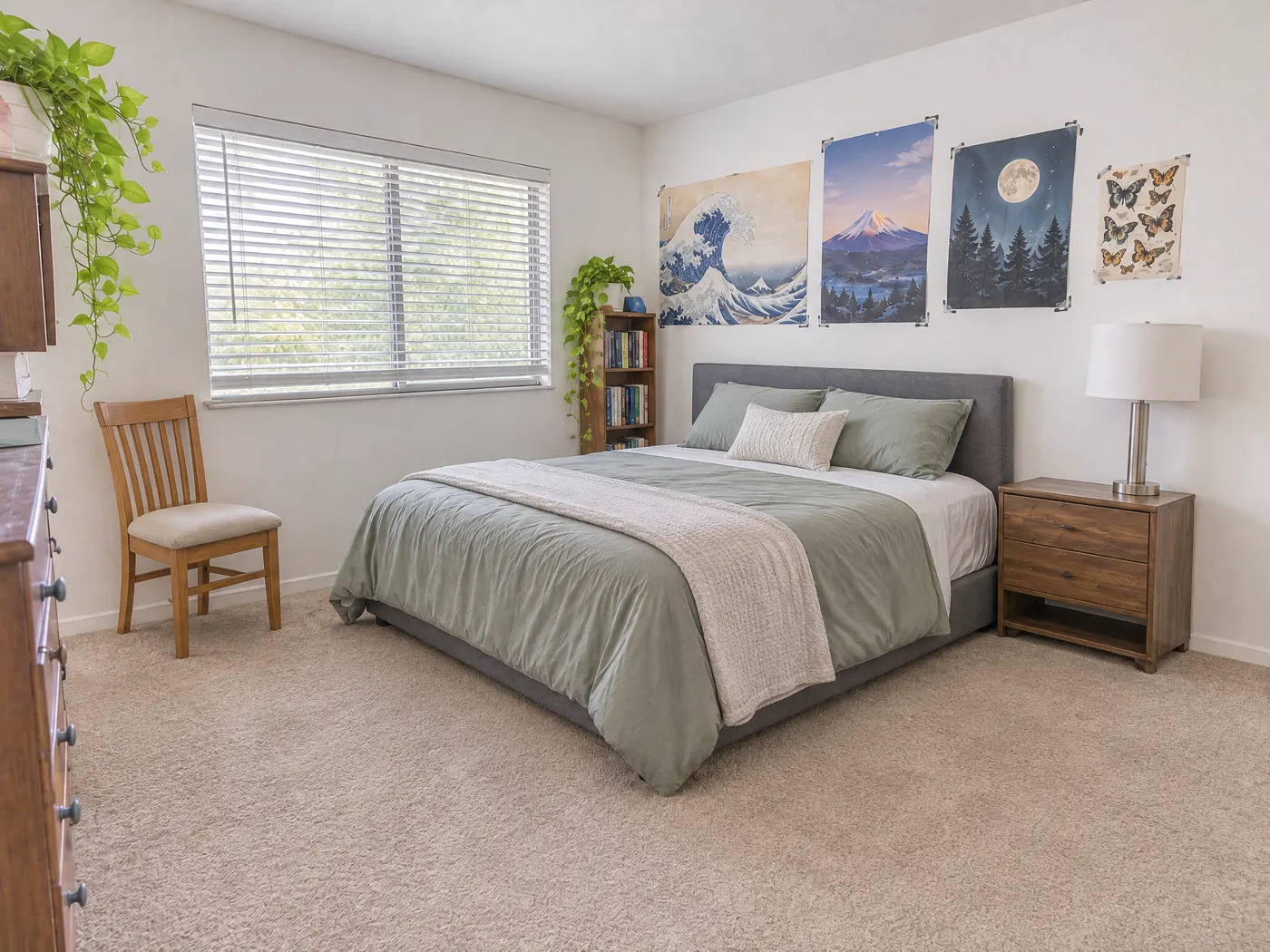
Built for listings
MLS-ready from the first download.
- "Virtually staged" label on by default, for MLS rules and California AB 723.
- Original next to staged in one download, so buyers can see both.
- The property never changes: walls, windows, floors, built-ins and camera angle.
- Private: photos are never shown publicly and are deleted after 30 days.
The math
A fraction of a designer. None of the wait.
Virtual Staging HQ$0.39 / photo on Pro~20 seconds · Free re-rolls
Designer virtual staging$24–30 / photo1–2 days · Revisions by email
Physical staging$1.5k+ / homeDays to install · Monthly rental
Pricing
Pay per photo. Re-rolls are free.
3 photos free · Selling one home? 10 photos for $9, once.
$19 /month30 photos / month · $0.63 eachChoose Starter
Pro
Most agentsTeam
FAQ
Questions agents ask.
Will it change the room itself?
No. Only furniture, decor and clutter change. Walls, windows and the view, floors, built-ins, light fixtures and the camera angle stay as photographed.
Can I use staged photos on the MLS?
Most MLSs allow virtual staging when it is disclosed. Keep the "Virtually staged" label on and include the original where your MLS asks for it.
What counts as a photo?
Each room photo you stage counts once, however many times you re-roll it or change its style.
How long do you keep my photos?
30 days, then they are deleted. Download the ones you want to keep.