Why agents stage listing photos
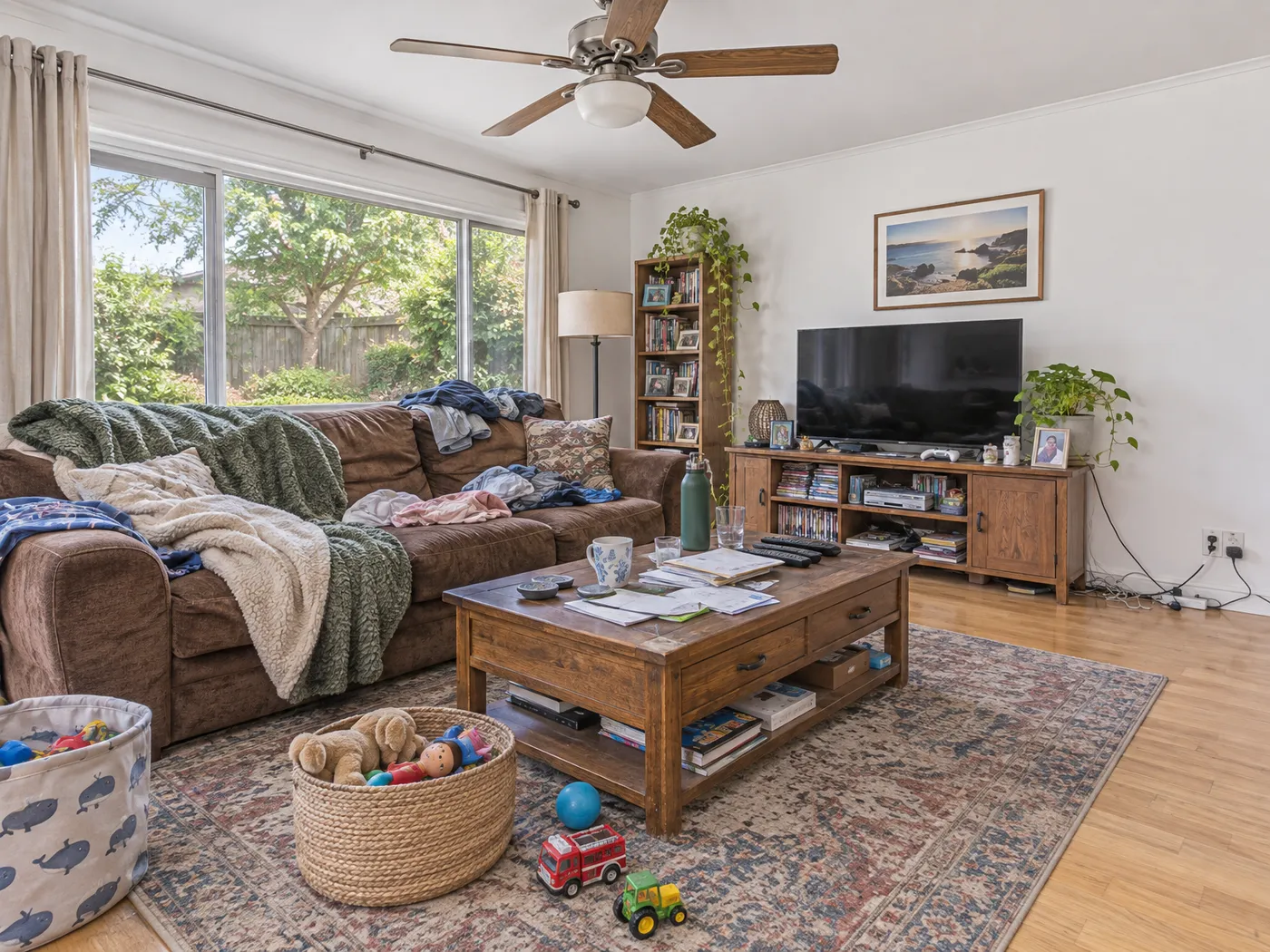
Empty rooms are hard to read in photos. Without furniture, buyers cannot tell whether a bed fits beside the window or where the sofa goes, and bare rooms often look smaller than they are. Occupied homes have the opposite problem: personal items and clutter pull attention away from the space.
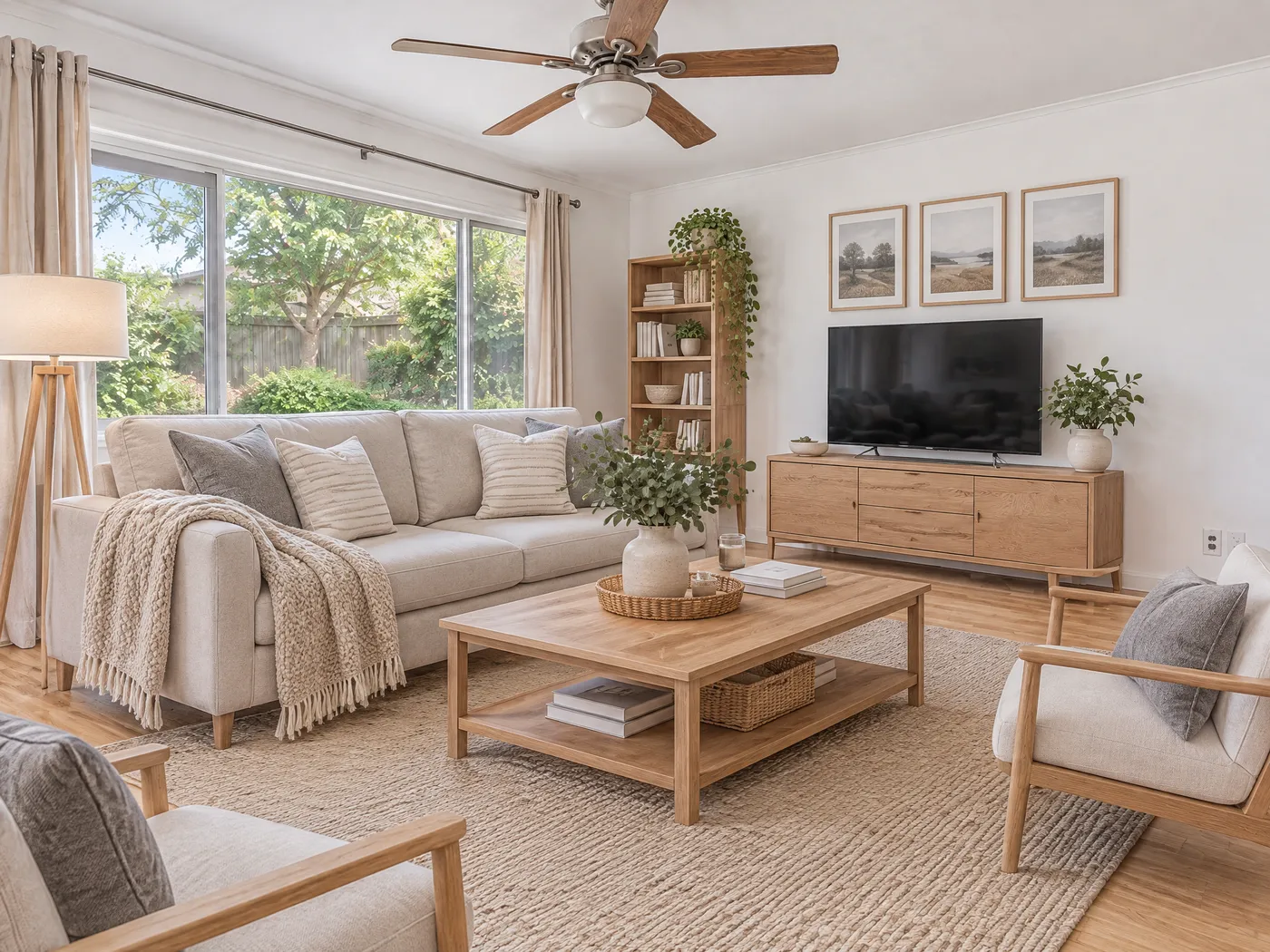
Virtual staging fixes both in the photo itself. You keep the real room, the real light and the real camera angle, and only change what is movable.
How it works for a listing
- Upload each room photo straight from your photographer or phone.
- Pick the job: declutter (keep the furniture), empty room, or furnish in one of six styles.
- Choose the room type so furniture is scaled and placed for that room.
- Re-roll the same photo for free until the layout is right.
- Download with the "Virtually staged" label, or as a before and after pair for sellers and social posts.
What never changes
Listings must show the property as it is. Every job keeps the walls and paint color, windows and the view, floors, built-ins such as cabinets and wardrobes, light fixtures, and the camera position. Only furniture, decor and clutter change.
Which rooms to stage first
Start with the rooms buyers look at longest: the main living area, the primary bedroom and the kitchen. Then stage rooms whose purpose is unclear in photos, such as a spare room that could be an office or a nursery, and outdoor spaces that look bare without seating.